Run your community without spreadsheets.
Create a club, post events under it, approve who joins, and moderate what your members publish — all from the same screens your attendees already use. No separate dashboard, no extra plan.
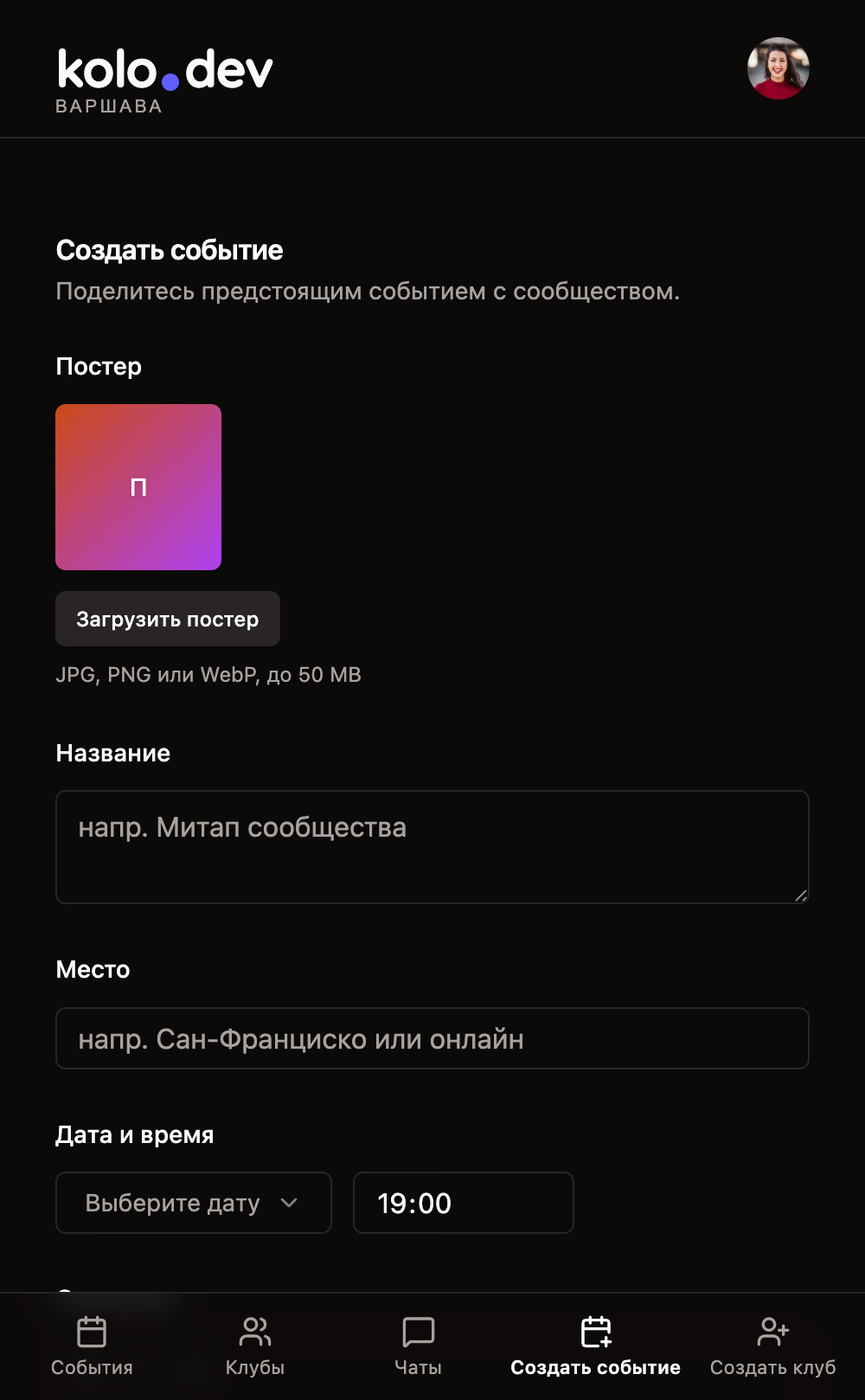
Create events and clubs in under a minute.
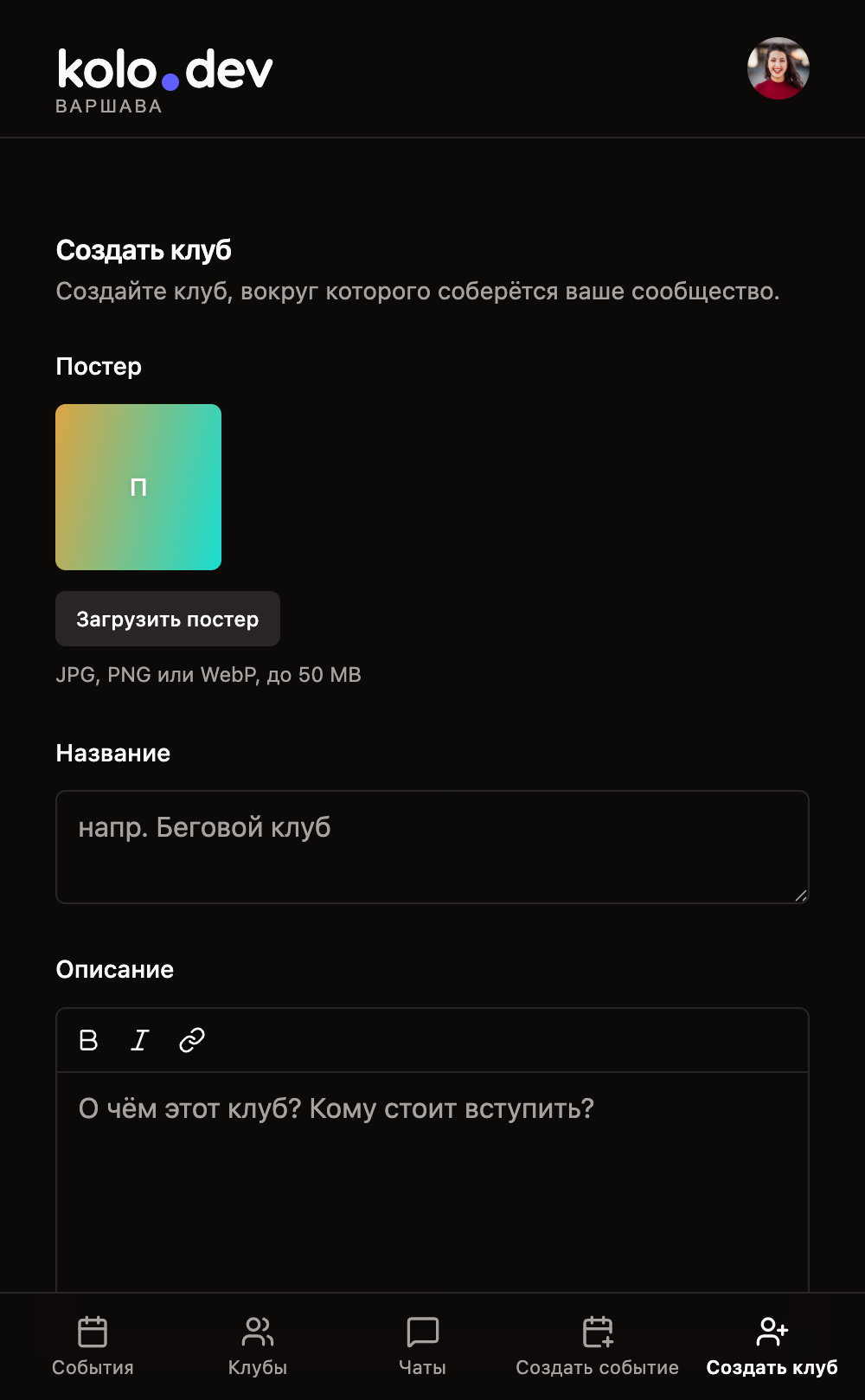
One short form for events, one for clubs — both forgiving, both translated into all three languages.
Fill the essentials, drop a square poster, write your description with a tiny Bold / Italic / Link toolbar. The poster is processed on your device — HEIC photos from iPhones included — and uploaded only when the event is actually saved.
A club is a home for recurring events. Set the title and description once, pick whether new members need your approval, and every event you publish lands on the same club page with its own attendee list and chat.
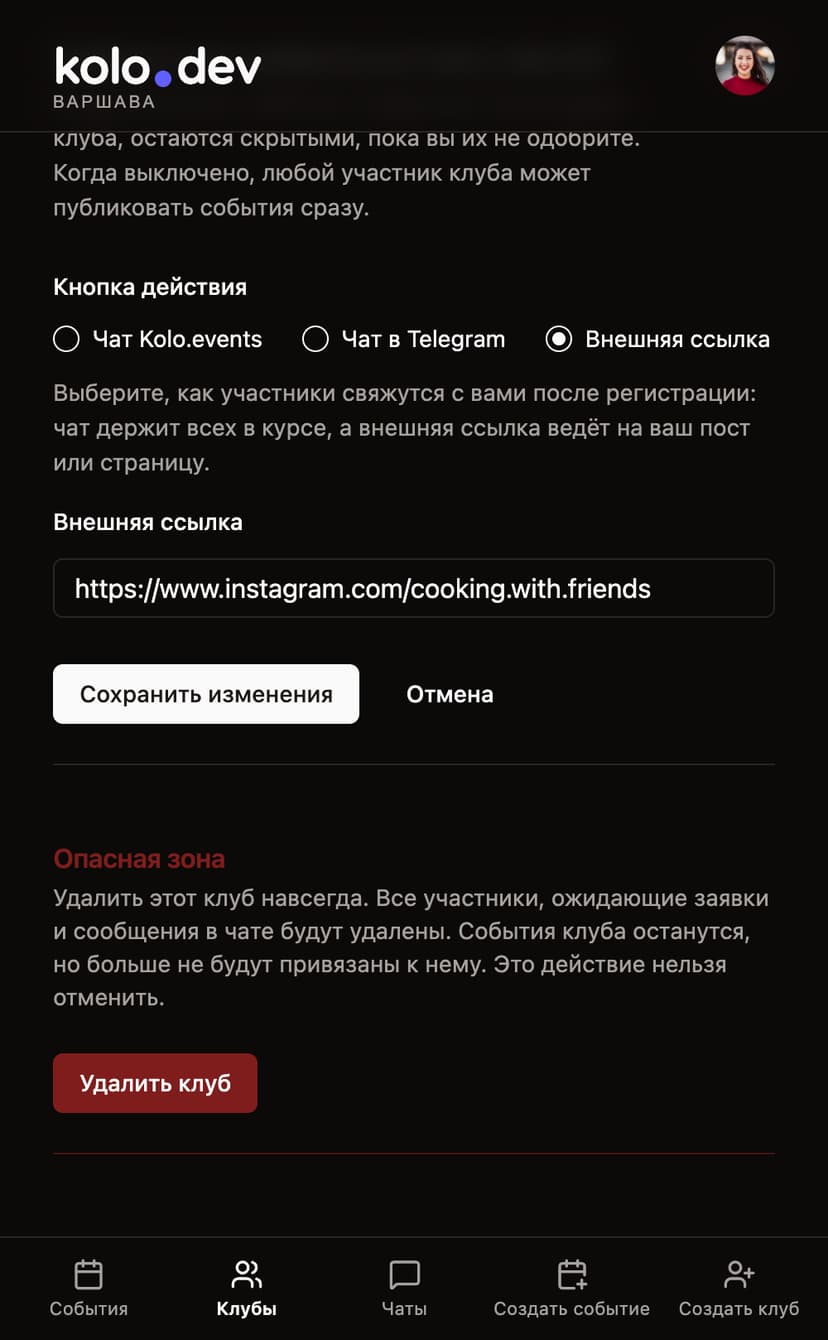
Pick where the “Open chat” button takes attendees: the built-in Kolo chat, your existing Telegram group, or any external URL. Switch later — Kolo will warn you before erasing chat history.
Curate who actually walks in the door.
Approval mode and the surrounding switches let you run anything from an open meetup to a tightly curated dinner.
Flip “require approval” and every new join becomes a request. The pending list lives on the same club or event page — accept and the person becomes an attendee, decline and they're back to where they were.
One toggle on the event replaces the Join button with a disabled “No more seats” state for new visitors. People who already RSVP'd can still leave if their plans change, which keeps the list honest.
When you publish under a club, you can mark an event as members-only. It's hidden from the public feed and from non-members on the club page — perfect for trial dinners, internal practice runs, or moderator-only briefings.
Each member row in your club or attendee row in your event has a quiet remove button. A confirm dialog stops accidental taps — and the person isn't notified or shamed publicly.
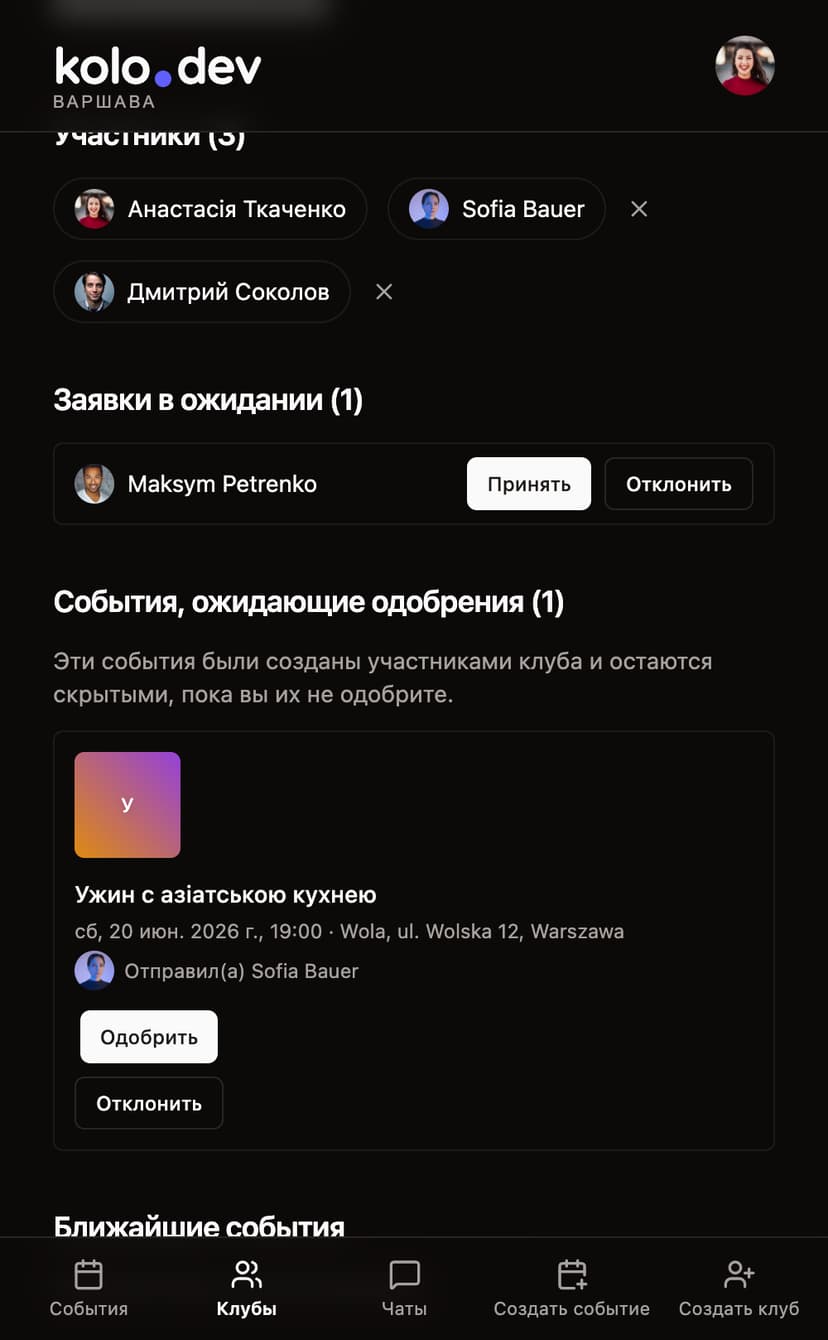
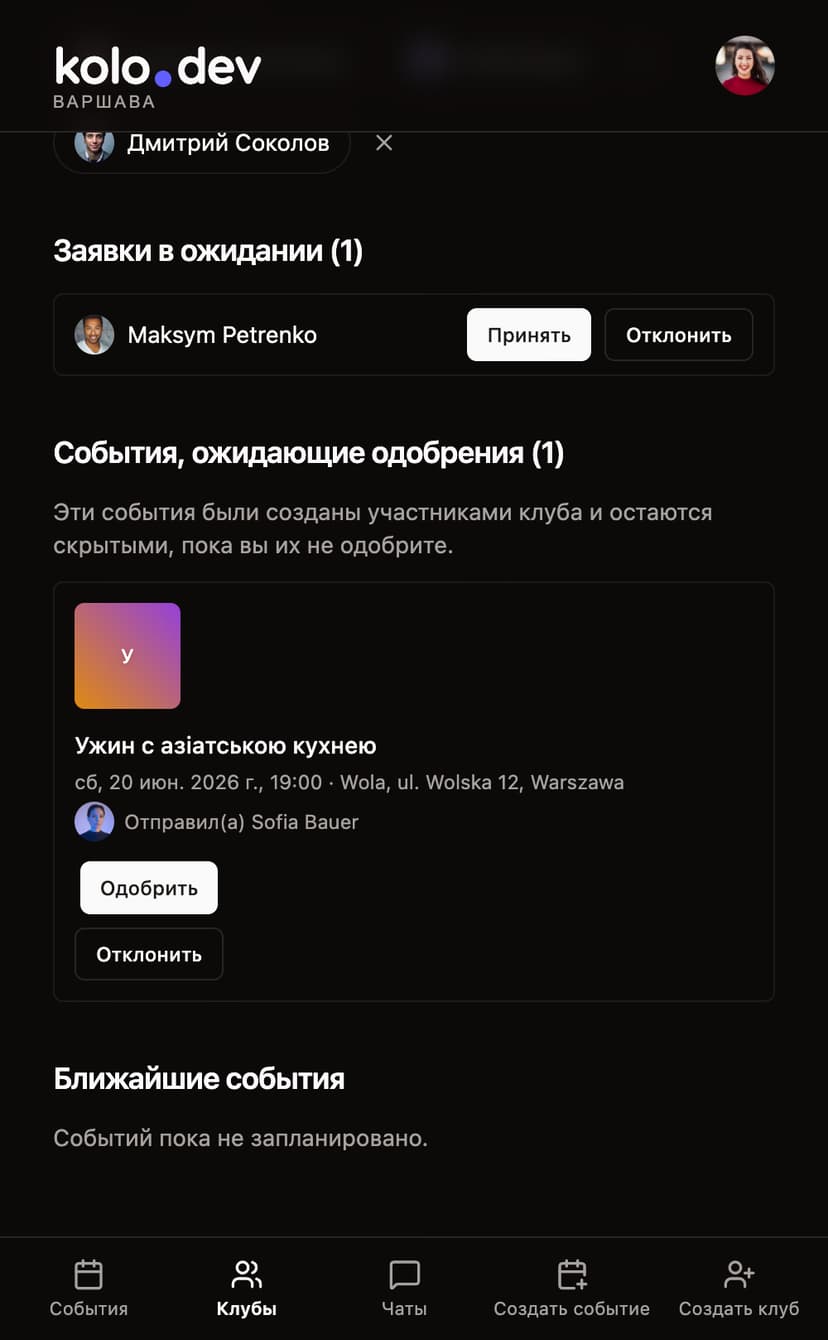
Members can publish — you approve.
Flip event moderation on and any event a member posts under your club starts as pending. Nothing leaks to the home feed, the club page, or even a direct link until you approve.
Pending submissions appear on your club detail page with poster, date, location and the author. Approve to publish, decline to delete — both with explicit dialogs so you don't slip.
If a member's submission needs a tweak, they can fix the date, the location or the description without re-submitting. You and the club's owner are the only ones who can edit it on their behalf.
Trust the room? Flip the switch off, confirm the dialog, and everything that's been waiting goes live in one shot. Flip it back on whenever you need a tighter rein again.
Edit anything, delete with confidence.
Every event and club has an edit page that mirrors its create form — same fields, same validation, same toggles — plus the bits you only need once you're running.
Turn off approval mode while a queue is waiting? Kolo asks once, then bulk-promotes every pending request to active in a single mutation. No tap-tap-tap through twenty rows.
Switching the “Open chat” button between Kolo chat, Telegram and an external URL is one click — but if the Kolo chat already has messages, you'll see an explicit confirm that the history will be erased.
Stepping away? An admin can transfer your club or event to another user with a name-search picker. The previous owner stays on as a member, the new owner takes the controls. “Created on behalf” placeholders work the same way — claim it via the Telegram contact when you sign up.
The danger zone on each edit page deletes the event or club along with its attendees, pending requests, chat messages and poster blob. Deleting a club detaches (but doesn't delete) its events that have other owners.
Bring your club to Kolo this week.
Take a minute, give your community a permanent home. Your existing Telegram group can still be the chat — or move conversations into Kolo when you're ready.